
Install eksctl on macOS with Homebrew, from the AWS Tap
By Vladimir Mikhalev · Docker Captain · CNCF Ambassador · IBM Champion
This article is for those looking for a detailed and straightforward guide on installing eksctl on macOS.
eksctl is a command-line utility developed in Go, designed for easy creation of clusters in Amazon’s Elastic Kubernetes Service (EKS). It uses AWS CloudFormation to perform its tasks.
TIPArchitecture Context
eksctl provides the fastest path to a running EKS cluster for development and testing. For production environments, Terraform with the AWS EKS module offers better state management, drift detection, and multi-resource orchestration. Choose eksctl for rapid prototyping and Terraform for production-grade infrastructure that requires version control and review workflows.
IMPORTANTIn this guide, we will consider the case when you already have the Homebrew package manager installed.
To install Homebrew, you can use the command:
/bin/bash -c "$(curl -fsSL https://raw.githubusercontent.com/Homebrew/install/HEAD/install.sh)"NOTEThis guide walks you through connecting to a server with the iTerm2 terminal emulator on macOS.
IMPORTANTUpdated 5 November 2026: eksctl is now an AWS project, and the installation page gives the Homebrew tap AWS maintains,
aws/tap. Theweaveworks/tapcommands from the original version of this guide, visible in the screenshots, are no longer in the documentation.
We connect the repository with formulas for Homebrew using the command:
brew tap aws/tap 
Run the eksctl installation with the command:
brew install aws/tap/eksctl 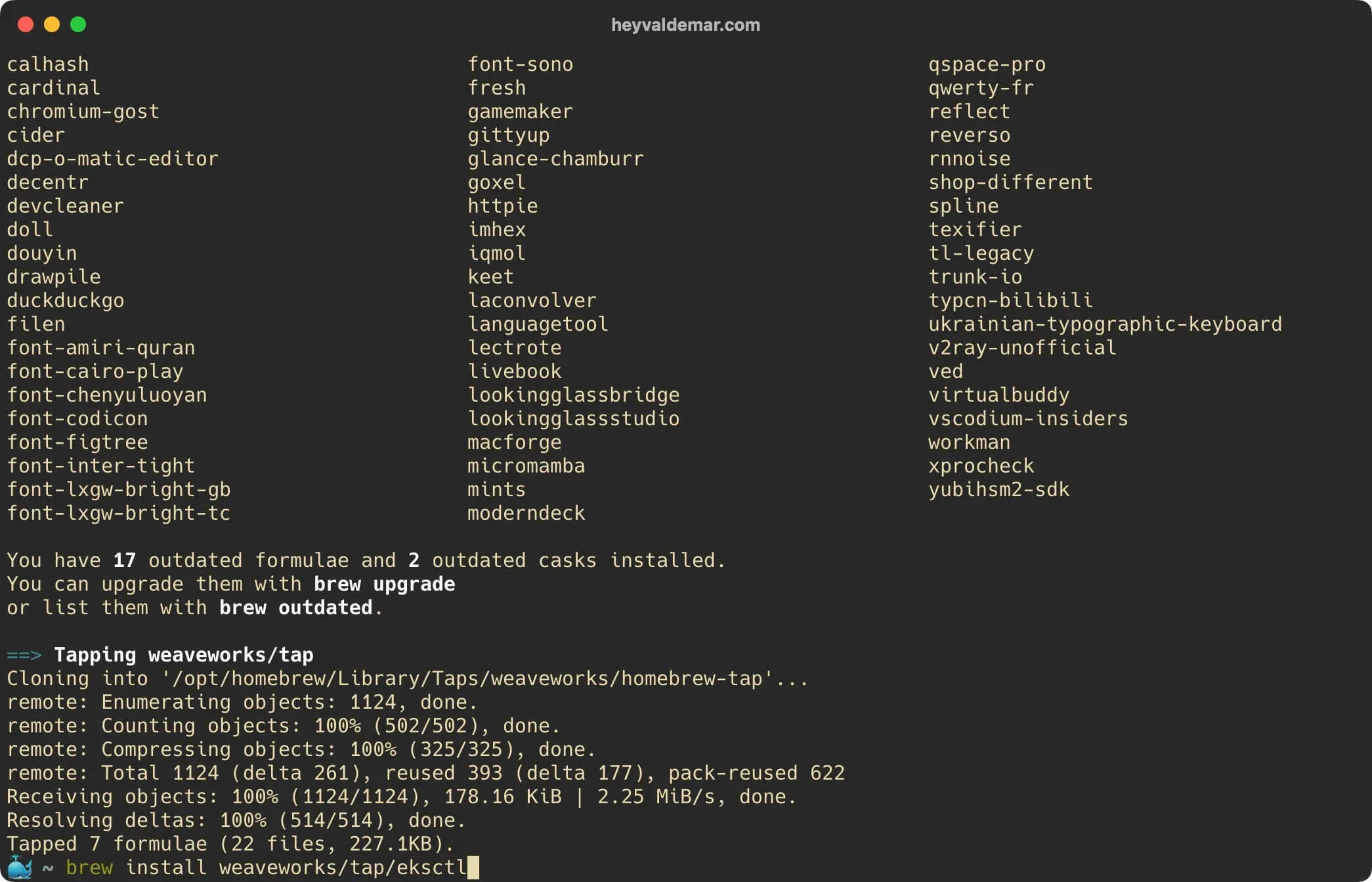
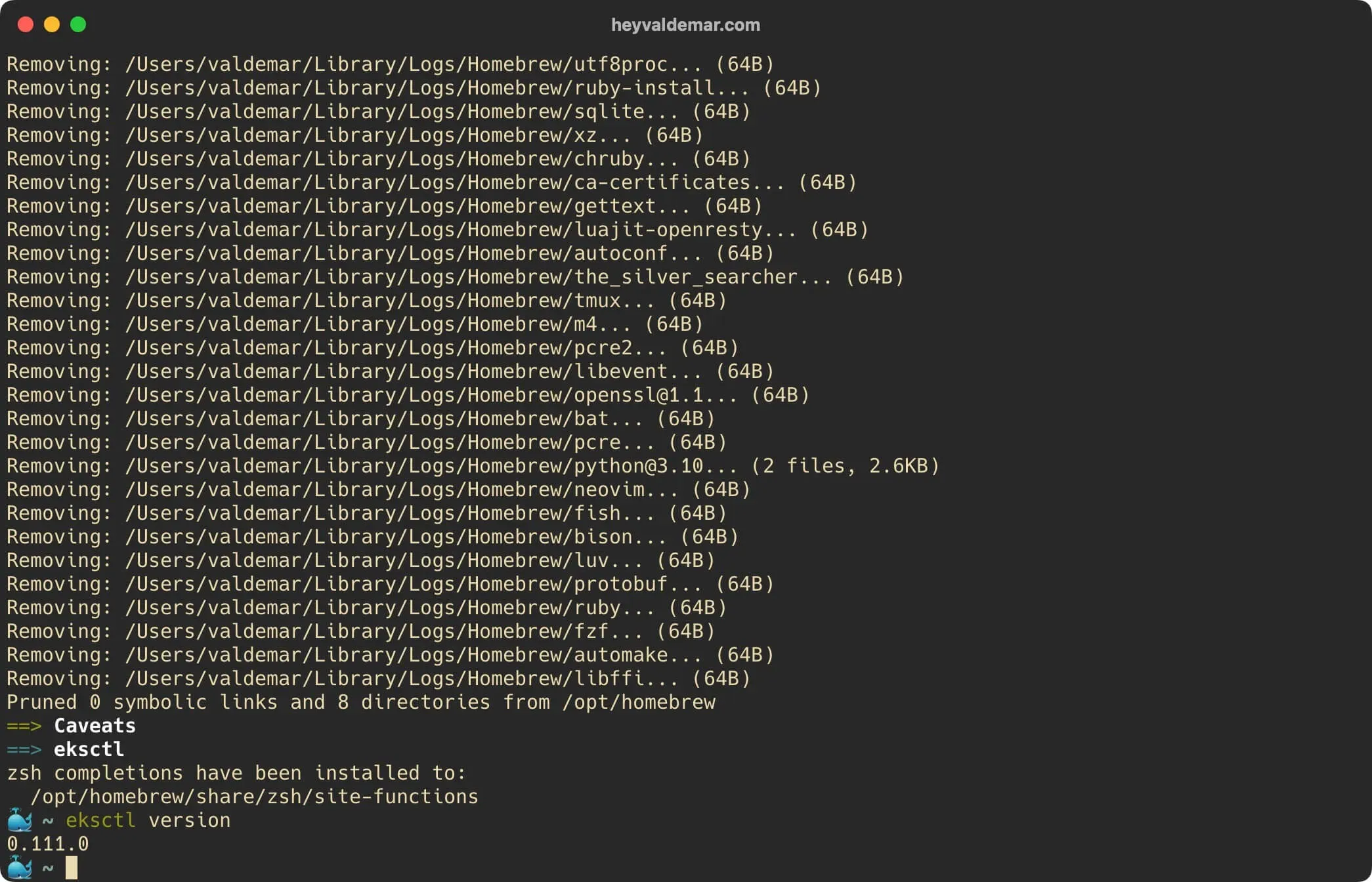
Confirm that the installation was successful by checking the installed version:
eksctl version 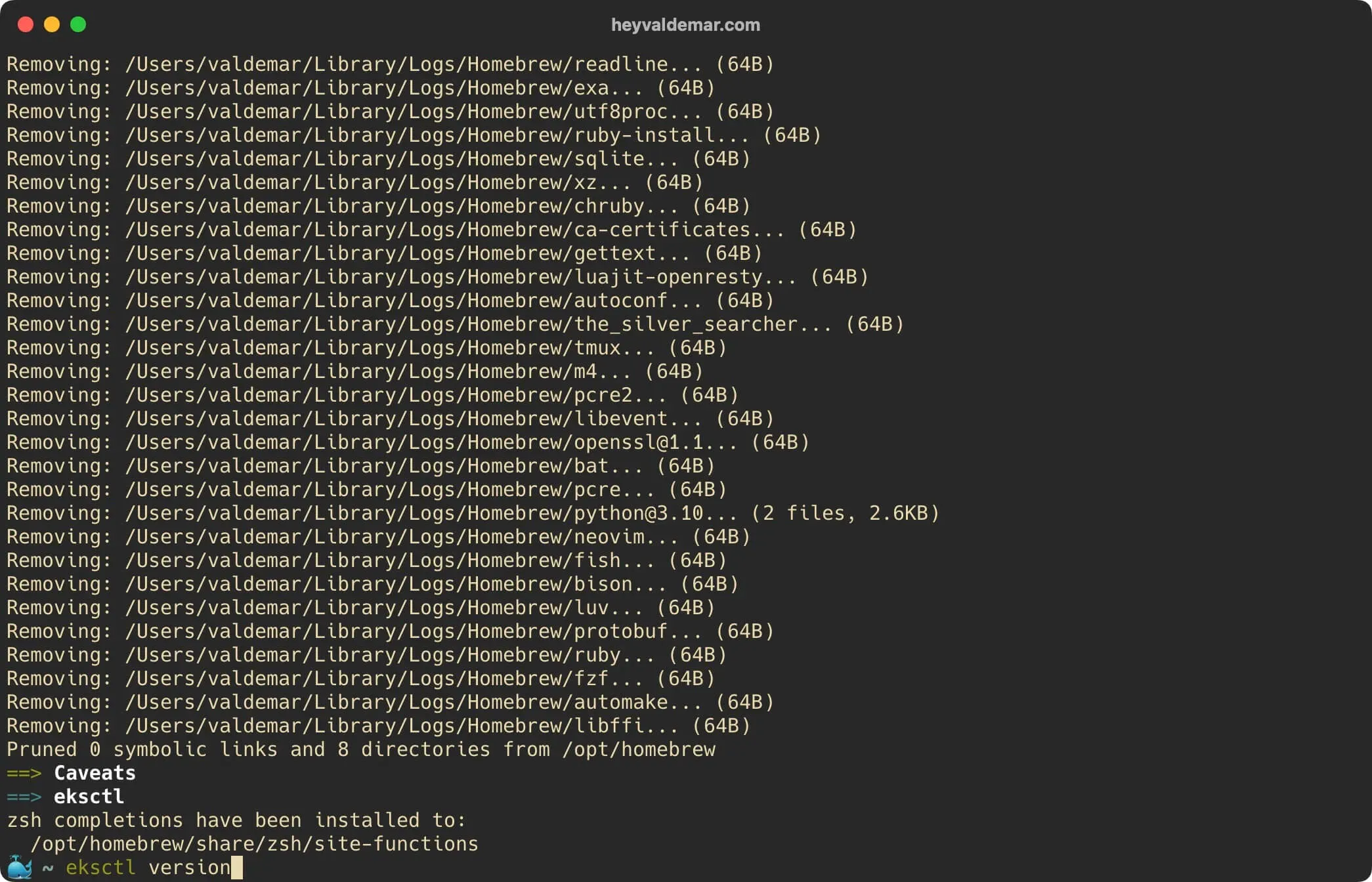
Everything is ready to use eksctl.
To integrate eksctl with AWS services, you’ll need to have the AWS CLI configured. If you haven’t done that yet, see my detailed guide: Configure AWS CLI.