404 words
2 min read

Install Docker Engine and Docker Compose on Ubuntu Server

By · Docker Captain · CNCF Ambassador · IBM Champion
Cover image for the post 'Install Docker Engine and Docker Compose on Ubuntu Server'

This article is for those looking for a detailed and straightforward guide on installing Docker Engine and Docker Compose on Ubuntu Server.

Docker is a container management system that allows you to “package” an application or website with all its environment and dependencies into a container that you can easily manage. For example, transfer to another server, scale, or update.

TIP

Architecture Context

Choose self-managed Docker Engine when you need full control over container runtime configuration, storage drivers, and network plugins. Amazon ECS, Google Cloud Run, or Azure Container Instances provide managed alternatives that eliminate host-level maintenance. Self-managed Docker is justified when you need custom runtime configuration, on-premises deployment, or want to avoid cloud vendor lock-in at the container runtime layer.

IMPORTANT

OpenSSH must be installed on the server, and port 22 must be open to be able to connect to the server using the SSH protocol.

To install OpenSSH on a server, you can use the command:

Terminal window
sudo apt install openssh-server
NOTE

To connect to the server from a Windows system, you can use tools like PuTTY or MobaXterm.

NOTE

This guide walks you through connecting to a server with the iTerm2 terminal emulator on macOS.

We connect to the server on which you plan to install the Docker Engine.

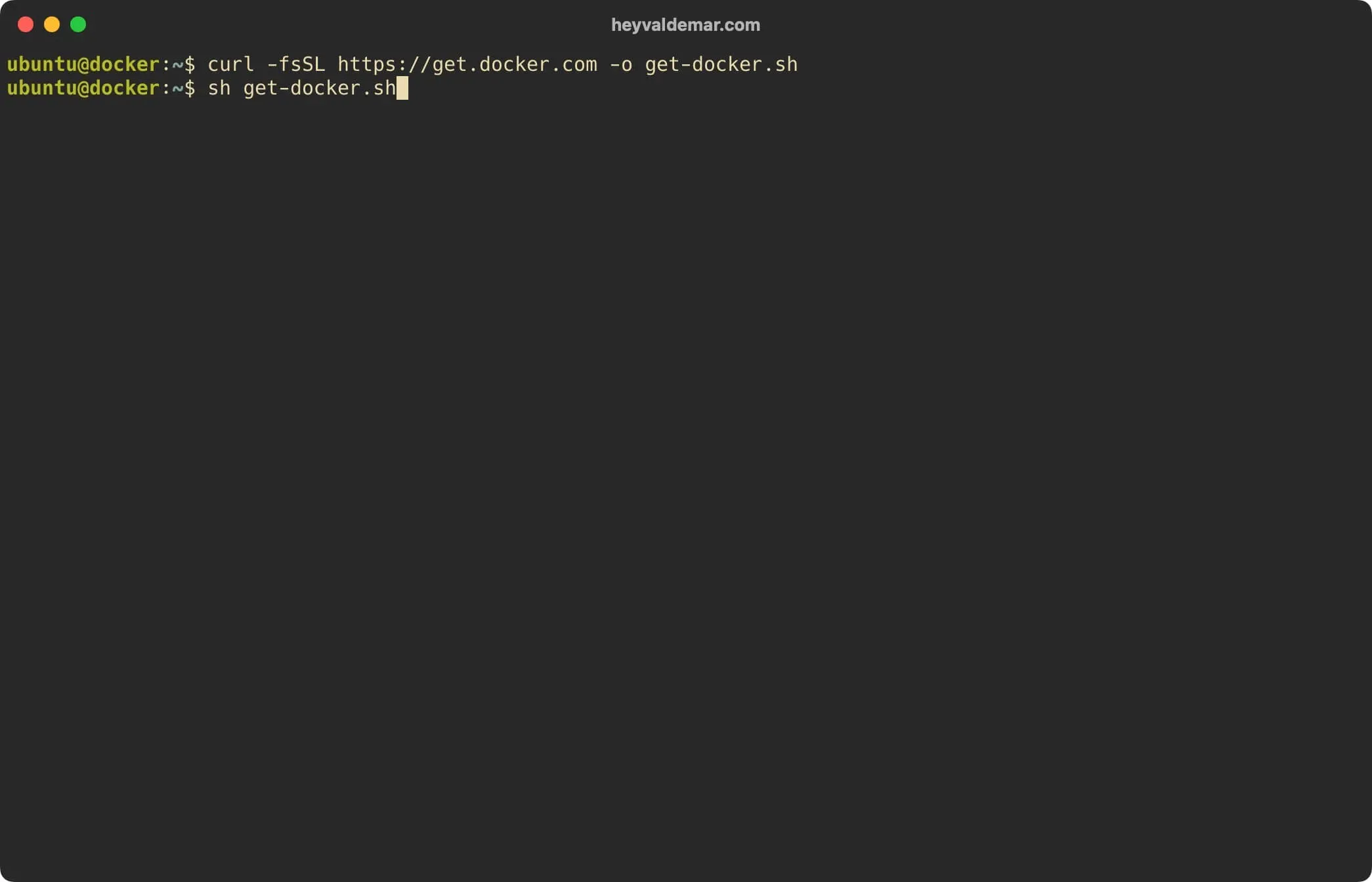
Download the Docker Engine and Docker Compose installation script using the command:

Terminal window
curl -fsSL https://get.docker.com -o get-docker.sh
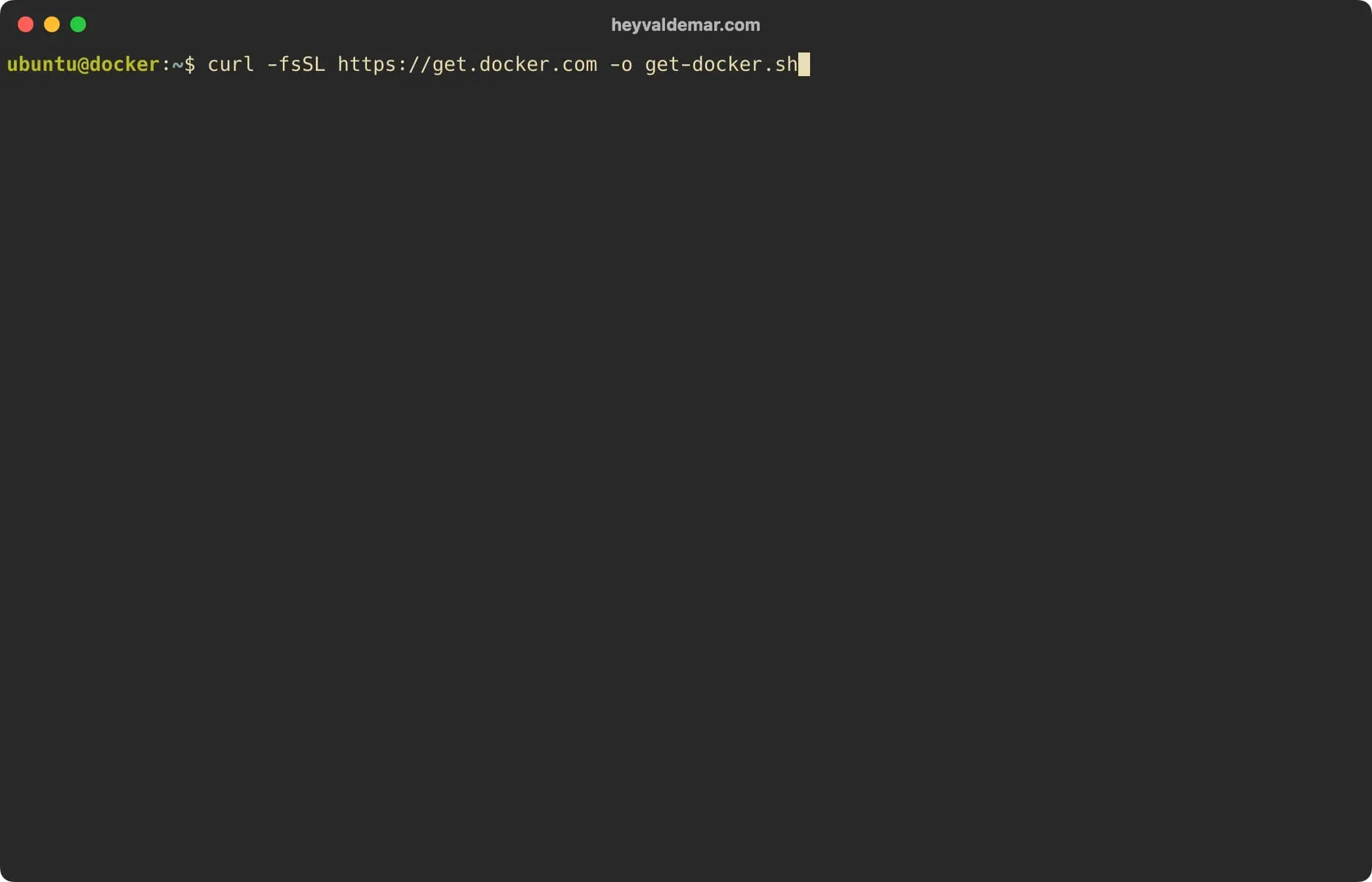
Install Docker Engine and Docker Compose on Ubuntu Server - Step 1

Now let’s start the Docker Engine and Docker Compose installation using the command:

Terminal window
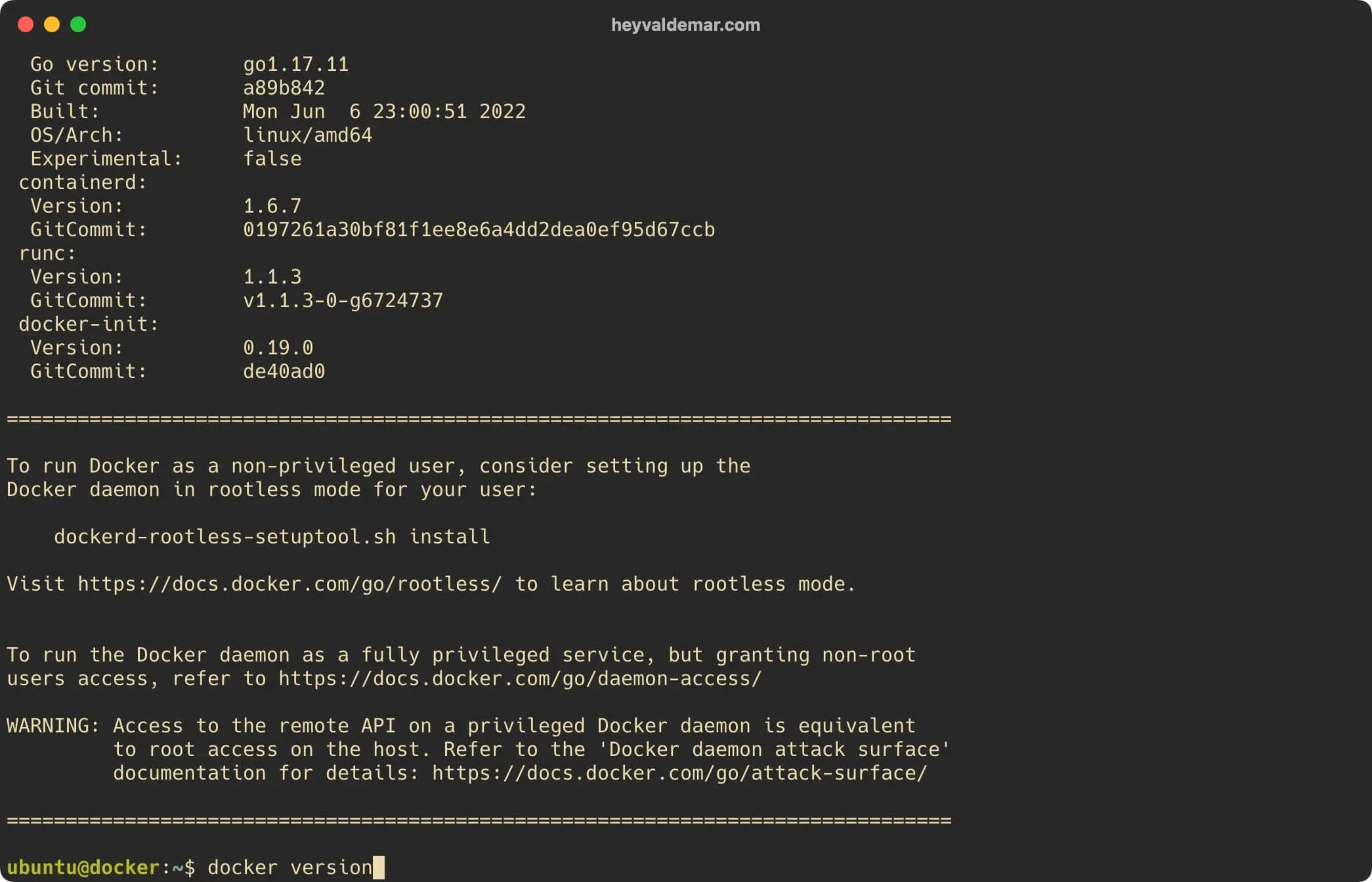
sh get-docker.sh

Install Docker Engine and Docker Compose on Ubuntu Server - Step 2

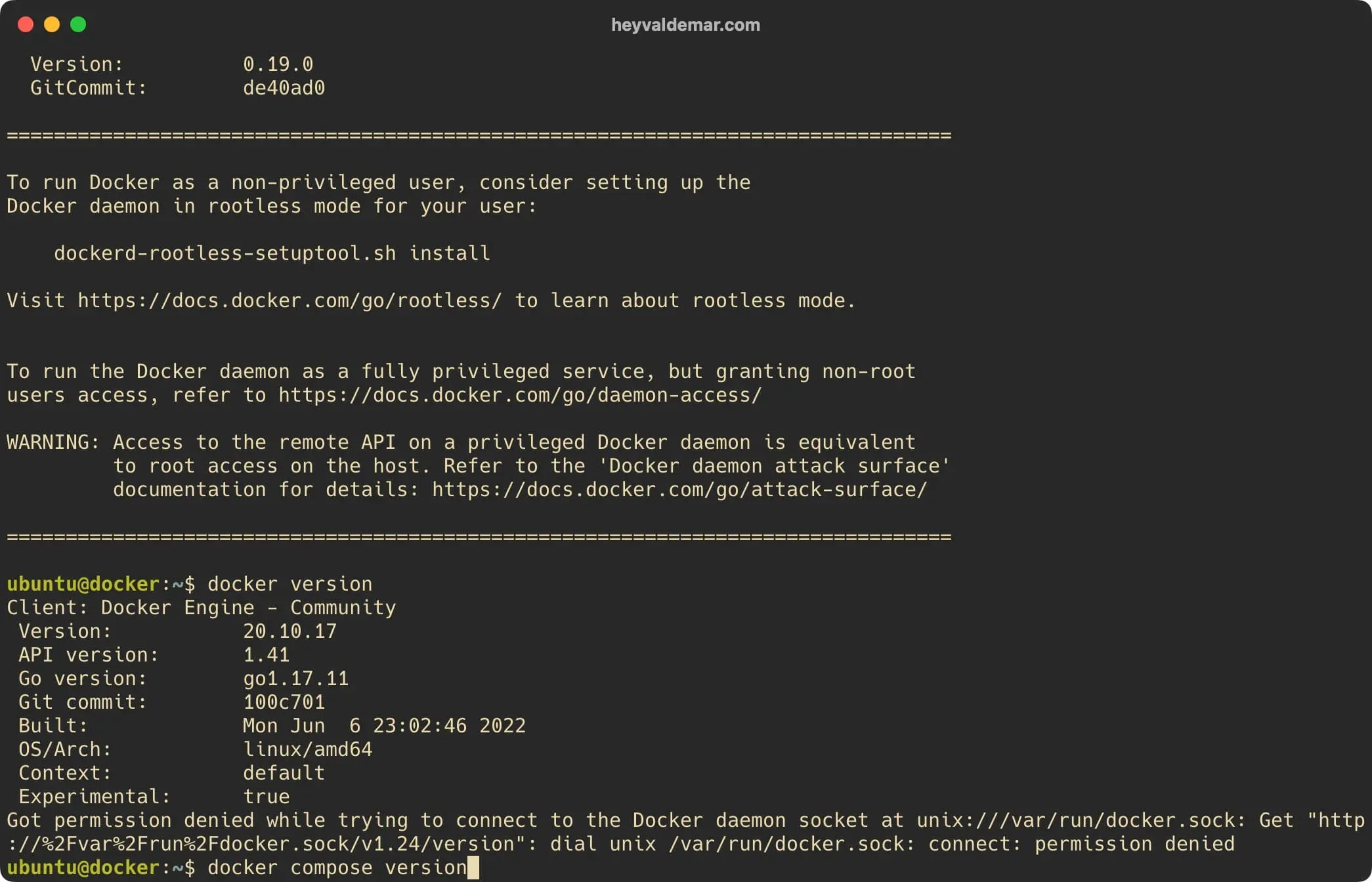
Now you need to make sure the Docker Engine is installed correctly. To do this, you need to run the command:

Terminal window
docker version

Install Docker Engine and Docker Compose on Ubuntu Server - Step 3

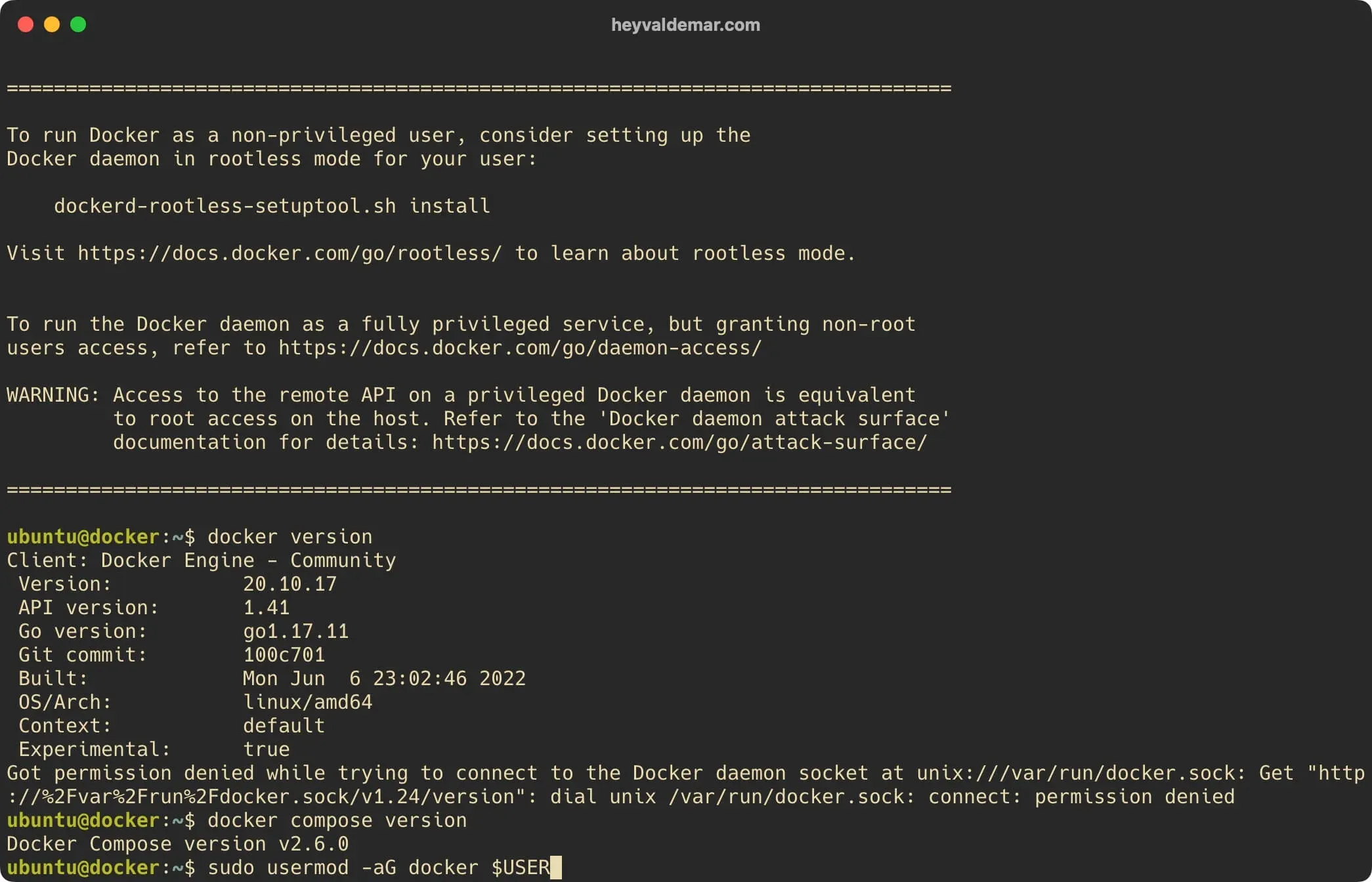
Next, you need to make sure the Docker Compose is installed correctly. To do this, you need to run the command:

Terminal window
docker compose version

Install Docker Engine and Docker Compose on Ubuntu Server - Step 4

Based on the received messages, the Docker Engine and Docker Compose are installed correctly.
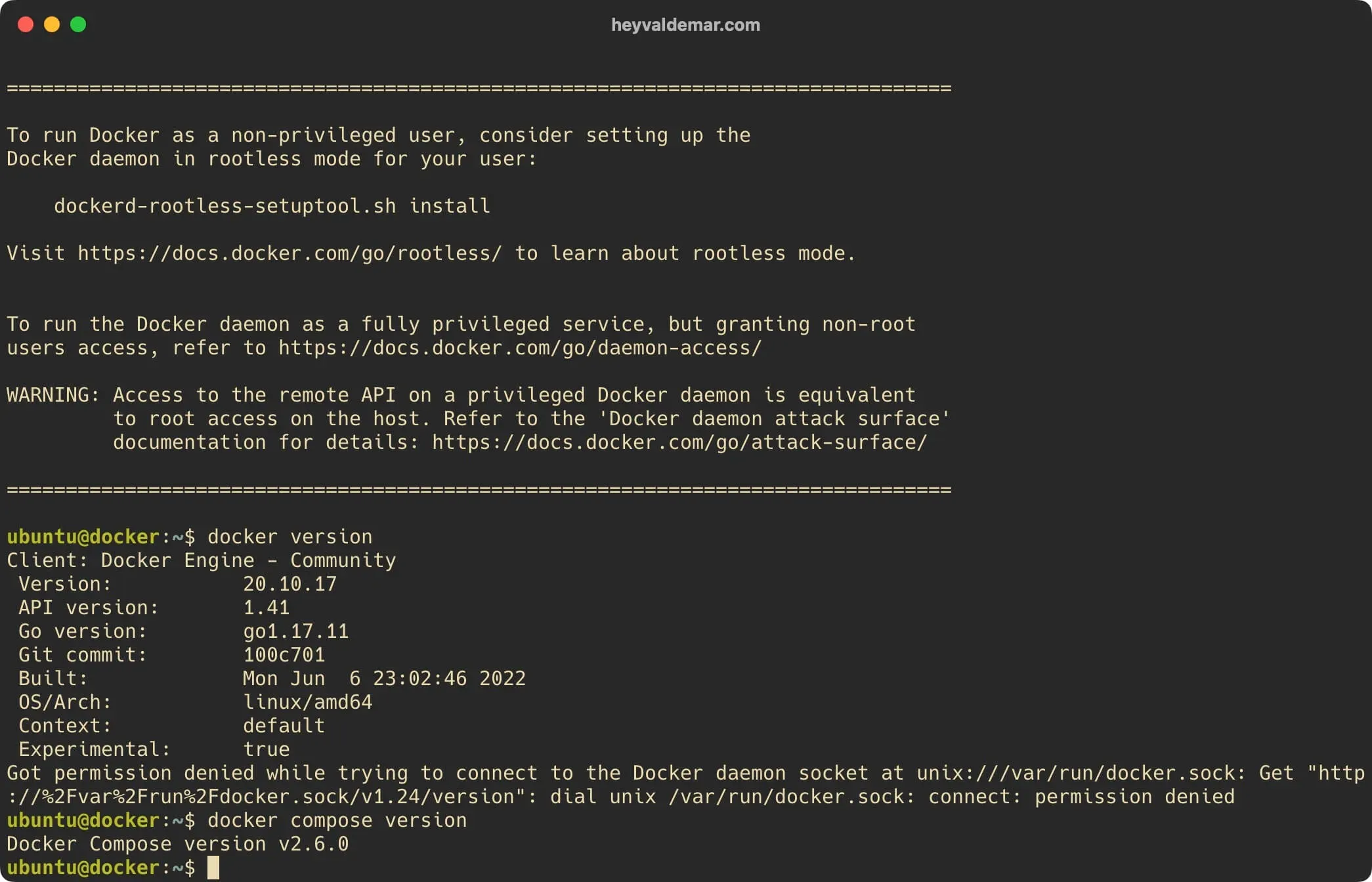
Install Docker Engine and Docker Compose on Ubuntu Server - Step 5

Next, you can add a user to the “docker” group to run the Docker Engine without having to use “sudo”.

Add the user “ubuntu” to the “docker” group using the command:

Terminal window
sudo usermod -aG docker $USER

Install Docker Engine and Docker Compose on Ubuntu Server - Step 6

To apply changes you need to log out and log back in again, which will cause your new session to have the proper group.


Vladimir Mikhalev

Docker Captain  ·  CNCF Ambassador  ·  IBM Champion

The Verdict — production-tested analysis on YouTube.

The Verdict

Inconvenient truths about shipping in the AI era

Container security, platform engineering, and the agentic shift — tested in production, argued without the hype. The verdict reaches your inbox the moment there's one worth sending.

Related Posts

Same category
  1. 1
    A Partial Read Is Not a Smaller Fleet: A GitHub API Rate Limit and the Numbers That Lied for an Hour
    DevOps & Cloud · A partial read published as the whole. For an hour the profile said 24 restore scripts across 15 repositories, and the fleet had 73 across 48. Three guards now.
  2. 2
    Restore Drills on a Clean Machine — Measured RTO for 47 Stacks, 19 Seconds to 7 Minutes
    DevOps & Cloud · Restore drills that measure RTO on a machine that never ran the stack, 47 templates weekly. Every same-host restore passed. The first clean one answered 500.
  3. 3
    Mutation Testing for Infrastructure Code — 153 Planted Bugs, Four Tests That Could Not Fail
    DevOps & Cloud · Mutation testing for infrastructure code, done by hand across fifteen repositories. 153 planted bugs, and four green tests that could never have failed.
  4. 4
    Docker Health Checks That Cannot Fail — Seventeen Hours Green
    DevOps & Cloud · A Docker health check whose pattern matches the shell running it can never go red. How to find the checks in your fleet that never failed, and prove each one.

Random Posts

Random
  1. 1
    Restore Drills on a Clean Machine — Measured RTO for 47 Stacks, 19 Seconds to 7 Minutes
    DevOps & Cloud · Restore drills that measure RTO on a machine that never ran the stack, 47 templates weekly. Every same-host restore passed. The first clean one answered 500.
  2. 2
    Update the Offline Address Book in Exchange Server 2013
    SysAdmin & IT Pro · Step-by-step guide to manually update the Offline Address Book (OAB) in Exchange Server 2013 using PowerShell. Ideal for Exchange admins.
  3. 3
    GitOps on AWS — Real-World DevOps Pipeline with Argo CD, Terraform & EKS
    DevOps & Cloud · Build a production-grade GitOps pipeline on AWS with EKS, Argo CD, Terraform, Vault, and GitHub Actions. Real architecture — systems that scale.
  4. 4
    Amazon Q vs DevOps Chaos — Can This AI Fix AWS Faster Than You?
    DevOps & Cloud · Fix AWS issues faster with Amazon Q, the AI assistant built for DevOps. Real-world examples, limitations, and how it compares to ChatGPT.
Install Docker Engine and Docker Compose on Ubuntu Server
https://heyvaldemar.com/install-docker-engine-and-docker-compose-on-ubuntu-server/
Author
Vladimir Mikhalev
Published
2022-08-08
Updated
2026-06-11
License
CC BY-NC-SA 4.0